
A bundle is a purchase list, not a third game
Check the included-product list of any offer using both names. Owning one game does not automatically provide the other unless the purchase terms explicitly include it. The matching Steam identities are Sledding Game App 3438850 and PEAK App 3527290.
A bundle name does not establish compatible cross-game servers or shared progression. Launch and arrange a session in the game your group actually intends to play.
Sources: Official Steam listing · Official PEAK listing
Compare the session you want
| Question | Sledding Game | PEAK |
|---|---|---|
| Main activity | Sledding, tricks and exploring a snowy social mountain. | Climb an island’s mountain to reach rescue. |
| Group goal | Choose races, discoveries or a relaxed hangout. | Help up to four players overcome climbing hazards. |
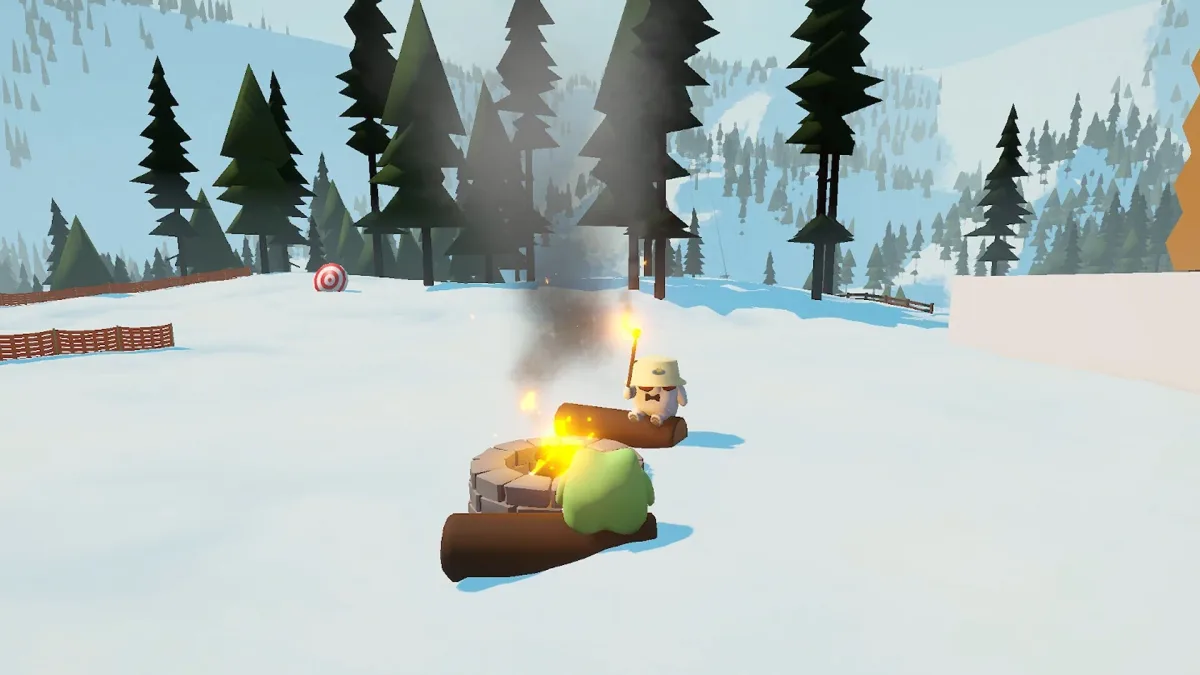
| Breaks and side activities | Snowballs, snowmen, darts, curling, cocoa and campfires. | Climbing tools, food and stamina shape the ascent. |
| Social setup | Public/private lobbies with proximity voice. | Solo or a Steam-friend group with proximity voice. |
| Variety | Choose tasks and cosmetics around the mountain. | The official description includes a changing daily island. |
On a small screen, scroll the table sideways to see every column.
Sources: Official Steam listing · Official PEAK listing
Agree on the title and store before buying
Confirm the game, storefront, account entitlement and group size for the session. A discount package does not answer Sledding Game’s Steam-versus-Xbox joining question.
For a first Sledding Game session, use the beginner guide. For its current access routes, use platforms and Game Pass/free access. Follow PEAK’s own listing for its requirements and purchase terms.
Sources: Official Steam listing · Official PEAK listing