
Start at the lodge prop shop
Buy a placeable item
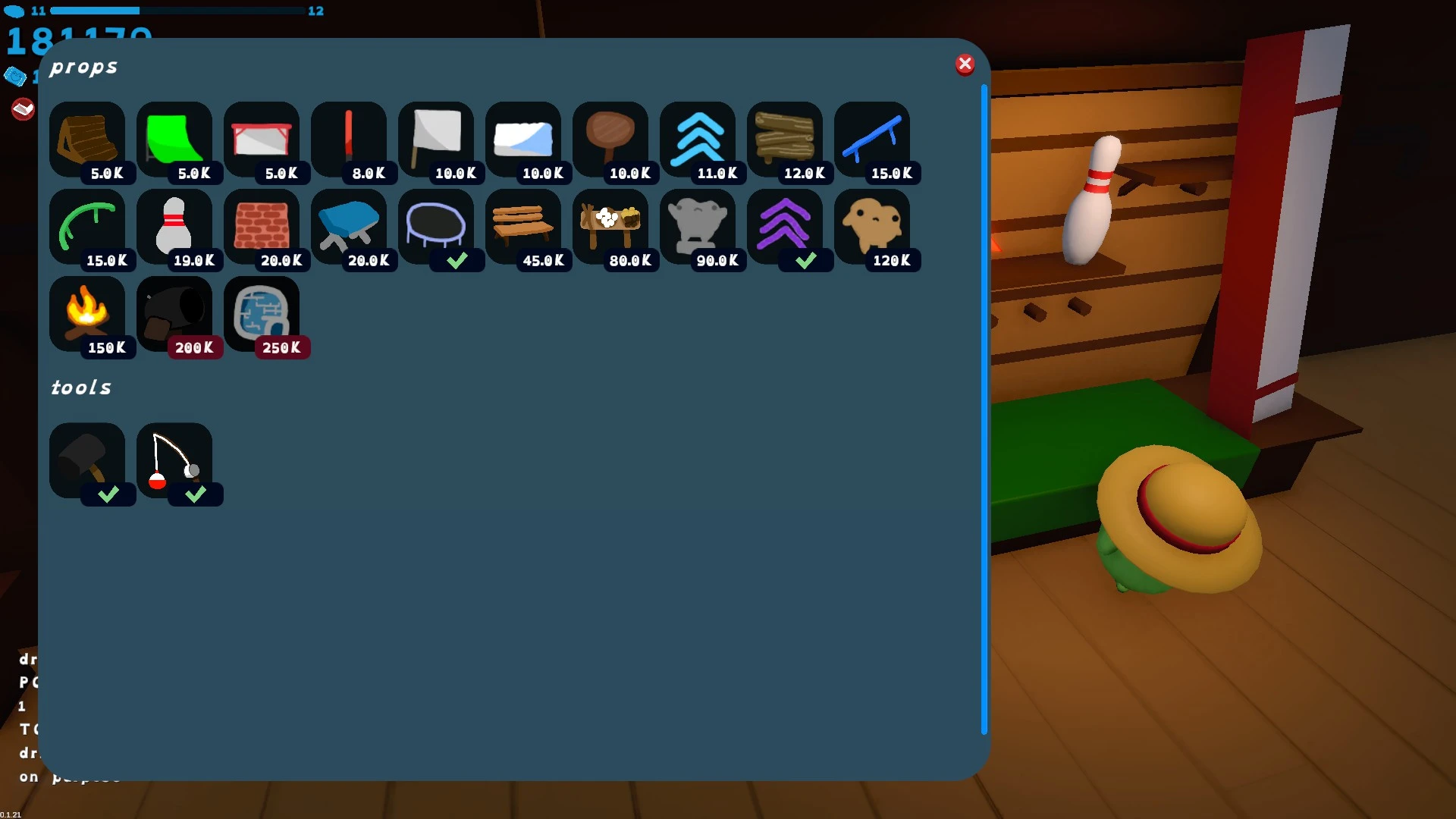
Visit the lodge shop that sells props. The May guide places it at the right of the shop row; its screenshot shows ramps, rails, boosters, a trampoline and tools.
Open the building inventory
The original building discussion says unlocking a ramp or another buildable adds an inventory tab for placement. Select the prop you bought, rather than equipping the hammer and expecting a separate construction mode.
Try a small placement
Choose a clear spot, turn the preview toward your intended run and place one item. Test the jump before adding more.
Sources: Building inventory discussion · Lost Province: frog variants · Official Steam listing
Place, rotate or cancel the preview
Published bindings from Raison Detre; use your current Controls screen if you changed them.
| Action | Keyboard / mouse | Xbox controller |
|---|---|---|
| Place the preview | Left click | A |
| Cancel placement | X | B |
| Rotate left | Q | LB |
| Rotate right | E | RB |
On a small screen, scroll the table sideways to see every column.
These are building-context inputs: E rotates right while placing a prop, even though it has another use outside placement. The September update hides the building controls panel until you spawn, so a missing panel in the main menu does not establish that building is unavailable.
Compare other actions with the controls reference.
Sources: Volx: photographed input settings · September 21 official update
Build within the recorded session limits
Reuben Howe’s May 8 play-session review records ten placeable items per player. Six players therefore had sixty between them, with each person still assigned ten. This is a dated observation; it does not establish a separate higher allowance for private hosting.
A July-updated player command guide lists /buildlimit values from 0 to 30. Its comments report suspended point gain while altered settings are in use. A mod that increases the limit is a separate setup, so its advertised capacity should not be read as the ordinary public-lobby limit.
For building with friends, arrange an invite-only session and have each builder place their own pieces. For larger constructions, read the mod installation boundaries first.
Sources: Reuben Howe: May 8 first-hand review · MatthewLockedin: chat commands